Step 1: Upload Your Photo or Image
Drag and drop your image or click to browse. We support JPG, PNG, and WEBP formats.
Turn any photo into retro pixel art online for free, preview the result instantly, and download a clean PNG in a few clicks.

Free AI Pixel Art Generator
Pixelimg turns normal photos into retro pixel art directly in the browser. Compare the original and the converted image side by side, then export a clean PNG when you are happy with the look.
It is built for quick experiments, profile pictures, thumbnails, and any image that needs a more nostalgic pixel-art feel.
How to Convert Image to Pixel Art
The homepage converter keeps the workflow short: upload, choose a look, and export. That simple flow is the reason the page can stay useful for both casual visitors and people who want to test different pixel-art styles quickly.
Drag and drop your image or click to browse. We support JPG, PNG, and WEBP formats.
Choose from classic, cute, beautiful, contrast, lego, and retro-inspired looks, then fine-tune the controls above.
Preview your pixel art instantly, compare the before and after, and download the high-resolution PNG when it looks right.
Stunning Examples Made with Pixelimg
These side-by-side examples show how the tool handles portraits, landscapes, and bold stylized artwork while keeping the subject readable.
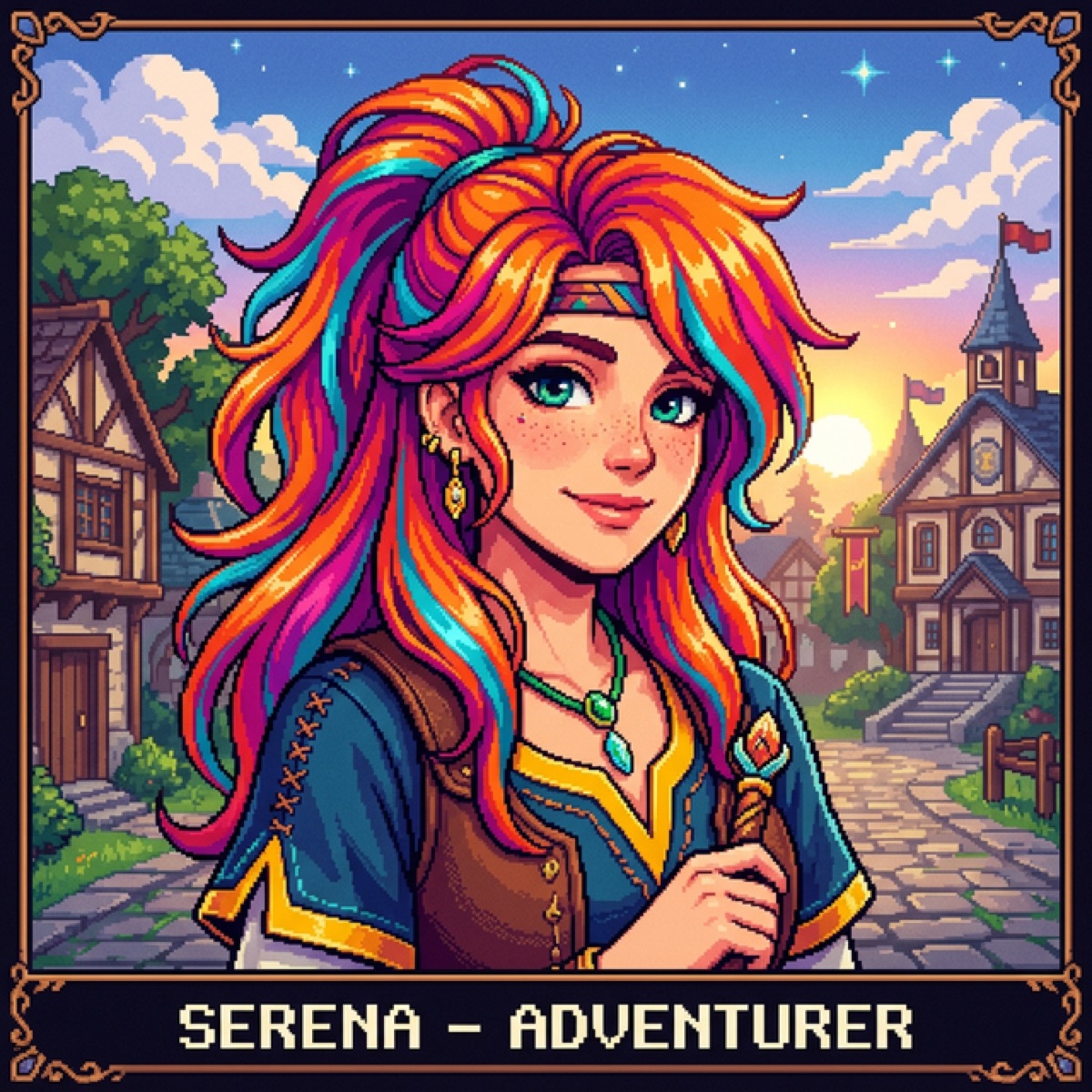 Hover to compare
 Move across the image to inspect the original and the converted version.

 Hover to compare
 Move across the image to inspect the original and the converted version.
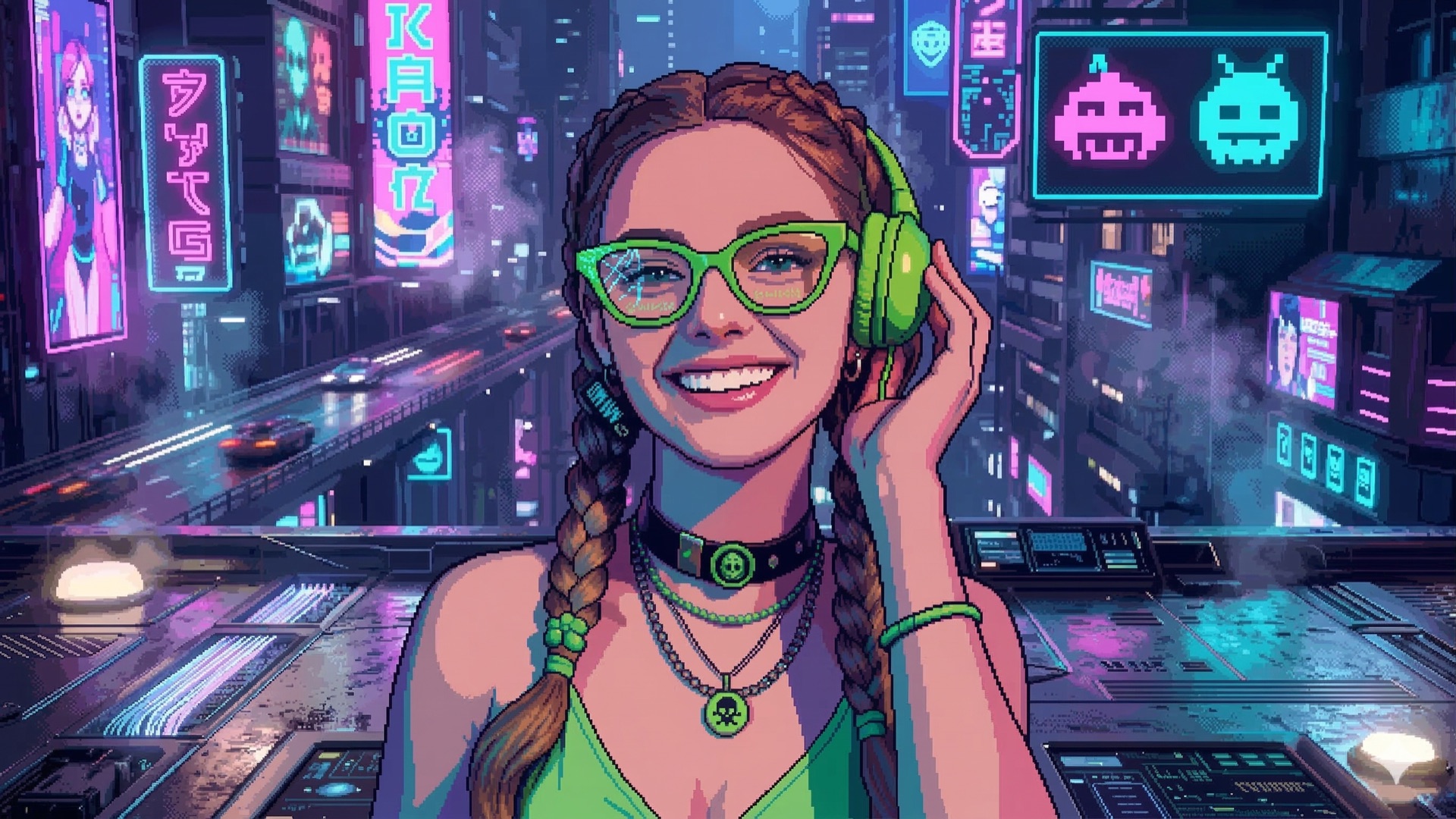
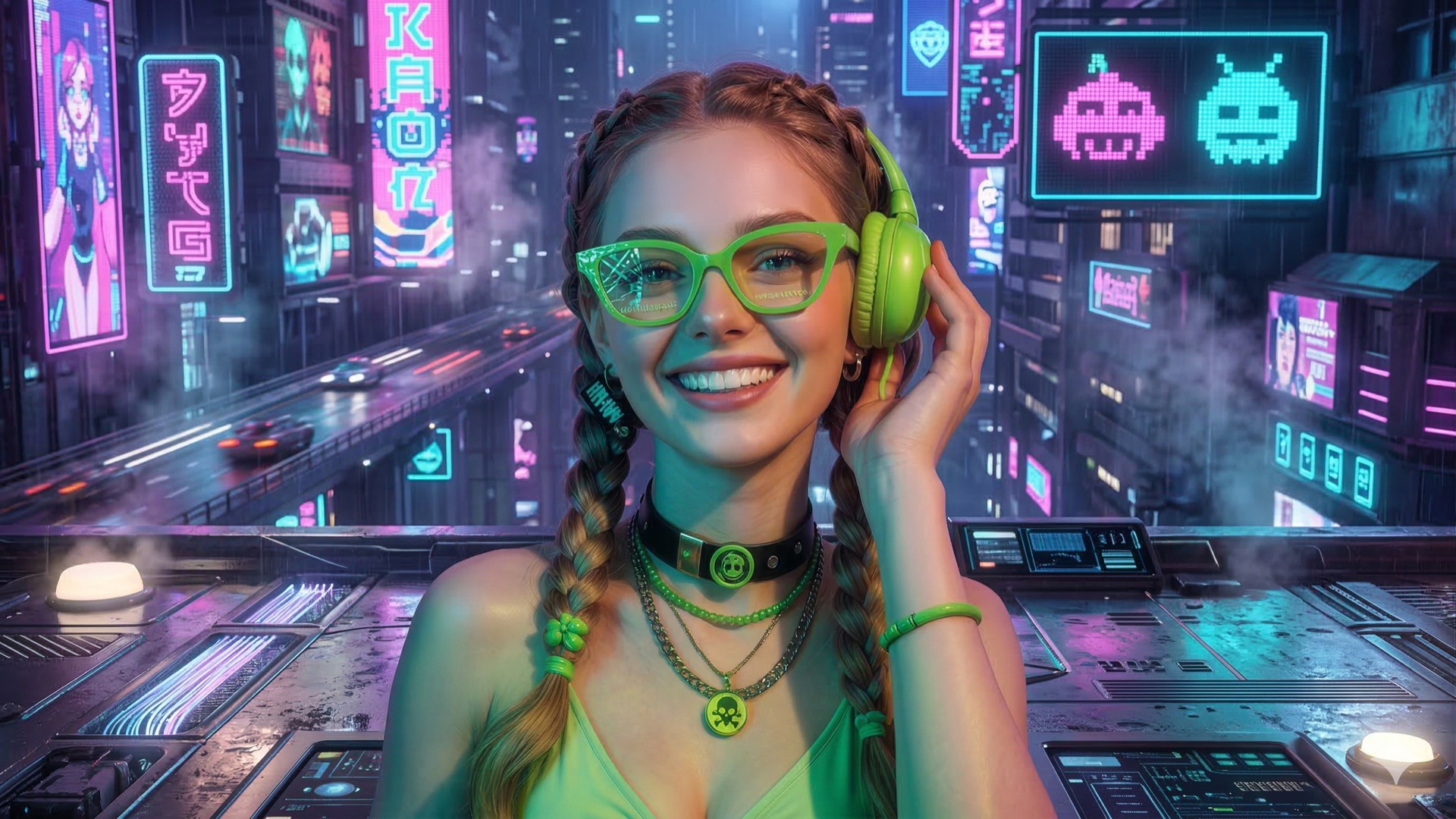 Hover to compare
 Move across the image to inspect the original and the converted version.
Loved by 10K+ Pixel Art Creators
The converter is popular with people who need a fast browser workflow and do not want to open a heavy editor just to test a pixel-art idea.

Game Developer
“I use Pixelimg for quick placeholder sprites and background ideas when I need a retro look fast.”

Digital Artist
“It keeps the subject readable while still giving the final image that clean retro pixel-art feel.”

Content Creator
“Fast, easy, and watermark-free is exactly what I need when I make retro gaming thumbnails.”
FAQ
Short answers that match how the homepage converter works in practice.
Upload your photo, choose a style, and let Pixelimg render the pixel-art version instantly in the browser.
Yes. You can try Pixelimg from the homepage without a signup step, and export your result after adjusting the controls.
No registration is required for the homepage converter. Open the tool, upload an image, and start editing right away.
The converter supports JPG, PNG, and WEBP, with a maximum upload size of 10MB.
Yes. The generated result is suitable for personal and commercial work, but you should still respect the rights of the source image you upload.
Why Pixelimg is #1 Image to Pixel Art Tool
Pixelimg is designed for people who want a fast way to convert images into pixel art without giving up control over the final result. The homepage keeps the workflow short, while the controls still let you guide the look.
Pixelimg keeps the original photo recognizable while reducing the image into a sharper retro style with cleaner color handling and edge-aware processing.
The converter is built to stay responsive on mobile, tablet, and desktop browsers, so the same workflow works well on every screen size.
Ready to Transform Image to Pixel Art?
Start free, preview instantly, and download the version that fits your project. The tool is ready whenever you want to test a new style.
No signup needed • Privacy first • HD export
Use your preferred login method. Available options depend on the configuration you have connected.
No password needed. We will send a 6-digit code to your email.